


Accessible websites are necessary to make content accessible to everyone. Every visitor should be able to read, understand, and interact with the content on your website regardless of personal or technical barriers. Some people rely on assistive technologies to do so.
What barriers are commonly encountered?
Statistically speaking, people with disabilities use the internet more frequently than average and depend on websites being presented in a way that meets their specific needs. Blind and visually impaired users can have websites read aloud by software or displayed in Braille, while deaf or hard-of-hearing people require specially adapted forms of presentation on the internet. In addition to considering the needs of people with disabilities, “accessibility” generally means that no one should be confronted with unnecessary barriers.
Barriers 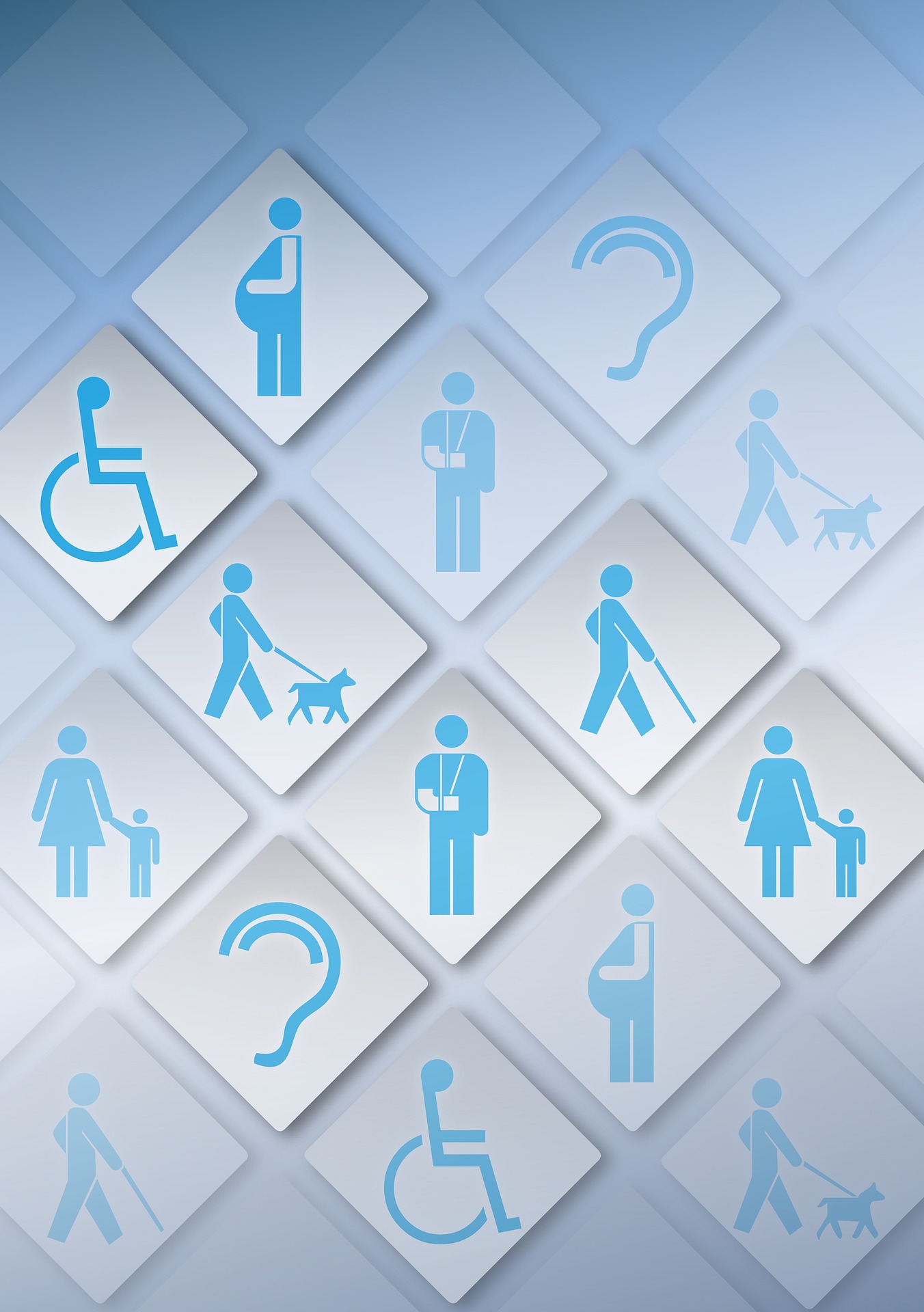 include both technical limitations and physical, cognitive, and psychological limitations. In addition to these barriers, there are also numerous barriers that can occur temporarily.
Here you will find a list of possible barriers that you should take into account when designing your website.
- Technical limitations: Website content is not suitable for output through assistive technologies; no speakers or speakers that do not function properly; use of older browsers or text-based browsers
- Visual impairments: mild to severe visual impairment – low-contrast content and shapes are difficult to perceive / recognize; blindness; color vision deficiencies (e.g. red-green color blindness); temporary visual impairment (inflamed or injured eye, etc.)
- Hearing impairments: deafness; temporary hearing impairment
- Motor impairments: broken or missing limbs, etc.; various physical impairments
What makes a website accessible?
To create an accessible website, several requirements need to be taken into account. The following checklist provides guidance on how to ensure accessibility on websites and eliminate barriers on a page:
1. Structure
A website consists of various structural elements. Typically, there is one block for navigation and another block containing the content and text of the page. These blocks are in turn structured using headings, lists, and paragraphs of running text. Accessible websites use semantic markup for this structure. The structure provides orientation for people with visual impairments.
2. Image Texts
To enable blind people to use the website and access all the information it contains, images should be provided with so-called alternative text. This allows users to have image descriptions read aloud, for example, by a screen reader, an application that reads text in the browser aloud.
3. Fonts and Contrasts
Good text readability is particularly important when creating an accessible website. Sufficient contrast between the foreground and background colors forms the basis and is especially important for text in small font sizes. This effect can be enhanced by using a high-contrast mode. This can also offer advantages for mobile use, as high contrasts help ensure that content remains visible outdoors even in sunlight.
4. Interactive Elements
Links and buttons must also be configured appropriately. If they are too small, this can cause problems for end users, especially when using a smartphone.
5. Multilingualism
To make the content of a website as internationally accessible as possible, it is recommended to build it as a multilingual website and offer a language selection between German, English, and, where applicable, additional languages.
6. Plain Language
Simple and easy-to-understand language should be used. Specifically, this means writing short sentences, using a simple sentence structure, and avoiding foreign or technical terms wherever possible.
7. Forms
Forms on a website should also be accessible so that potential customers can successfully complete their purchase or submit a contact request.
Do you have any further questions about this topic? Or do you need help designing your website from a professional internet agency in Munich? Then feel free to contact us!


