


Today's problem at our web agency: We want to add a text block above a selected payment method on a website / online shop (implemented with Shopware 5) that we can freely modify. In this particular case, we want to display a note above various leasing models indicating that additional information is required in a text field. Our Shopware 5 online shop also uses PayPal Plus, meaning that payment methods other than PayPal are rendered through the PayPal Plus module. Therefore, we cannot modify the standard Bare theme directly, but instead need to make changes to the PayPal plugin in our theme.
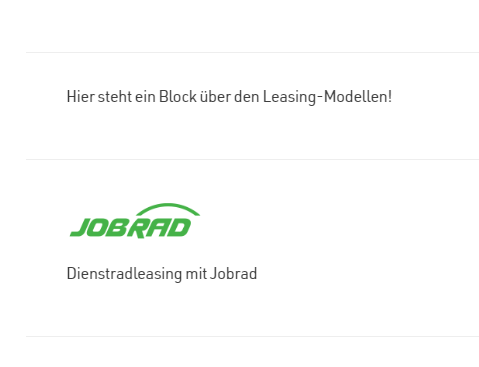
The result should look approximately like this:
To do this, we first need to tell the theme that the theme instructions should be executed after the plugin instructions. We do this in the file
/themes/Frontend/DEINTHEME/Theme.php
using the instruction
protected $injectBeforePlugins = false;
We then create the file in our theme
/themes/Frontend/DEINTEHME/frontend/paypal_unified/plus/checkout/custom_shipping_payment/custom_payment_method.tpl
and modify the desired block depending on the required payment method (in our case, ID 88) using the following lines of code
{extends file='parent:frontend/paypal_unified/plus/checkout/custom_shipping_payment/custom_payment_method.tpl'}
{block name='frontend_checkout_payment_content_paypal_unified_custom_payment_item'}
{if $payment_mean.id eq 88}
<div class="payment--method block method unified--payment leasing-comment">
<div class="method--description">
<p>{s namespace="frontend/paypal_unified/plus/checkout/custom_shipping_payment" name='DEINTEXTBAUSTEINNAME'}{/s}</p>
</div>
</div>
{/if}
{$smarty.block.parent}
{/block}
That's it. Seen at our online shop agency in a webshop based on Shopware 5.6.4.


