


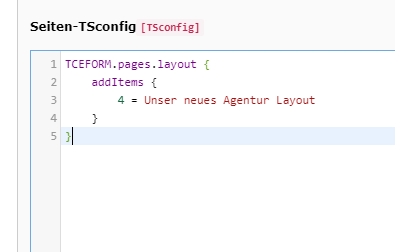
In a TYPO3 project at our agency, we wanted to display a different header for specific pages, i.e. a different logo, menu structure, etc. This can be implemented in just a few simple steps (using a website with TYPO3 v9.5.19 as an example): First, we add a custom layout in the Page TSconfig, e.g. with the following configuration:
TCEFORM.pages.layout {
addItems {
4 = Our new agency layout
}
}
We can then select this new layout under "Appearance->Page Layout->Frontend Layout", allowing us to reference it in our Fluid template, for example in the ELSE case of an IF statement:
<f:else if="{page.layout} == '4'">
<div> Some header! </div>
</f:else>
In our case, this is in the file
/typo3conf/ext/EXTENSIONNAME/Resources/Private/Partials/Area/Header.html
This allowed us to create a custom header for selected pages, and everything works as desired. Seen in our TYPO3 agency on a website running TYPO3 9.5.19.


