


Importing very large databases via phpMyAdmin can often be challenging. In many cases, the tool gets stuck in an endless loop or a timeout occurs, interrupting the import process.
As we already described in an earlier blog post, it is possible to extend the timeout by making adjustments to the configuration files. However, there are also cases where even these adjustments are no longer sufficient. In such cases, it is necessary to import the database via CMD.
To do this, click the “Shell” button in your XAMPP Control Panel. The command line will then open.
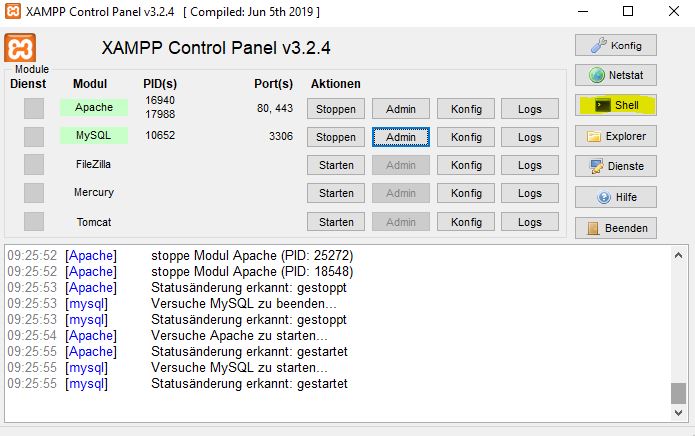
Enter the following command:
mysql -h localhost -u root
Next, use the following command to select the correct database:
use databasename
Replace databasename with the name of your database.
In the next step, you can import the database using the following command:
source SQL File
Replace SQL File with the path to the SQL file you want to import.
Now you just have to wait for the import process to complete. Compared to phpMyAdmin, this process should be considerably faster.


