


Colors can serve different functions in web design and create specific effects. For example, they can be used to stimulate users, create structure and guide them, and last but not least, they can be deliberately used to attract attention and highlight specific elements.
Creating a Mood
The following list describes associations that are commonly associated with different colors, at least in the Western world. However, this list should be treated with caution, as every person perceives colors individually and associates different emotions with them. There are also cultural differences in the symbolism of colors.
Red:
- Positive: passion, love, temperament, energy
- Negative: danger, anger, aggression
Orange:
- Positive: creativity, refreshment, warmth, sunset
- Negative: distrust, intrusiveness
Yellow:
- Positive: optimism, freshness, energy, sunshine
- Negative: warning, jealousy, illness
Green:
- Positive: hope, growth, naturalness, healing
- Negative: ambition, envy, cowardice, illness
Blue:
- Positive: calm, trust, security, knowledge, seriousness
- Negative: coldness, distance, withdrawal
Violet:
- Positive: mysticism, creativity, individuality
- Negative: vanity, melancholy, penance
White:
- Positive: purity, innocence, peace, light
- Negative: emptiness, silence
Black:
- Positive: elegance, seriousness, modernity, objectivity
- Negative: mourning, death, darkness, fear
As you can see, no color has purely positive associations. Even when a “cheerful” color is used in a particular context, it can create a negative mood. As an example, let’s take a look at the color yellow:
When you think of yellow on its own, the sun may be the first thing that comes to mind. Yellow is a warm color and is often perceived as “cheerful.” It can therefore easily create a positive mood.

In combination with the color black, however, yellow can also appear threatening. In this combination, yellow is considered a warning color. This is the case in nature (wasps, hornets, …) and is also evident on signs and symbols (high voltage, radioactivity, …).
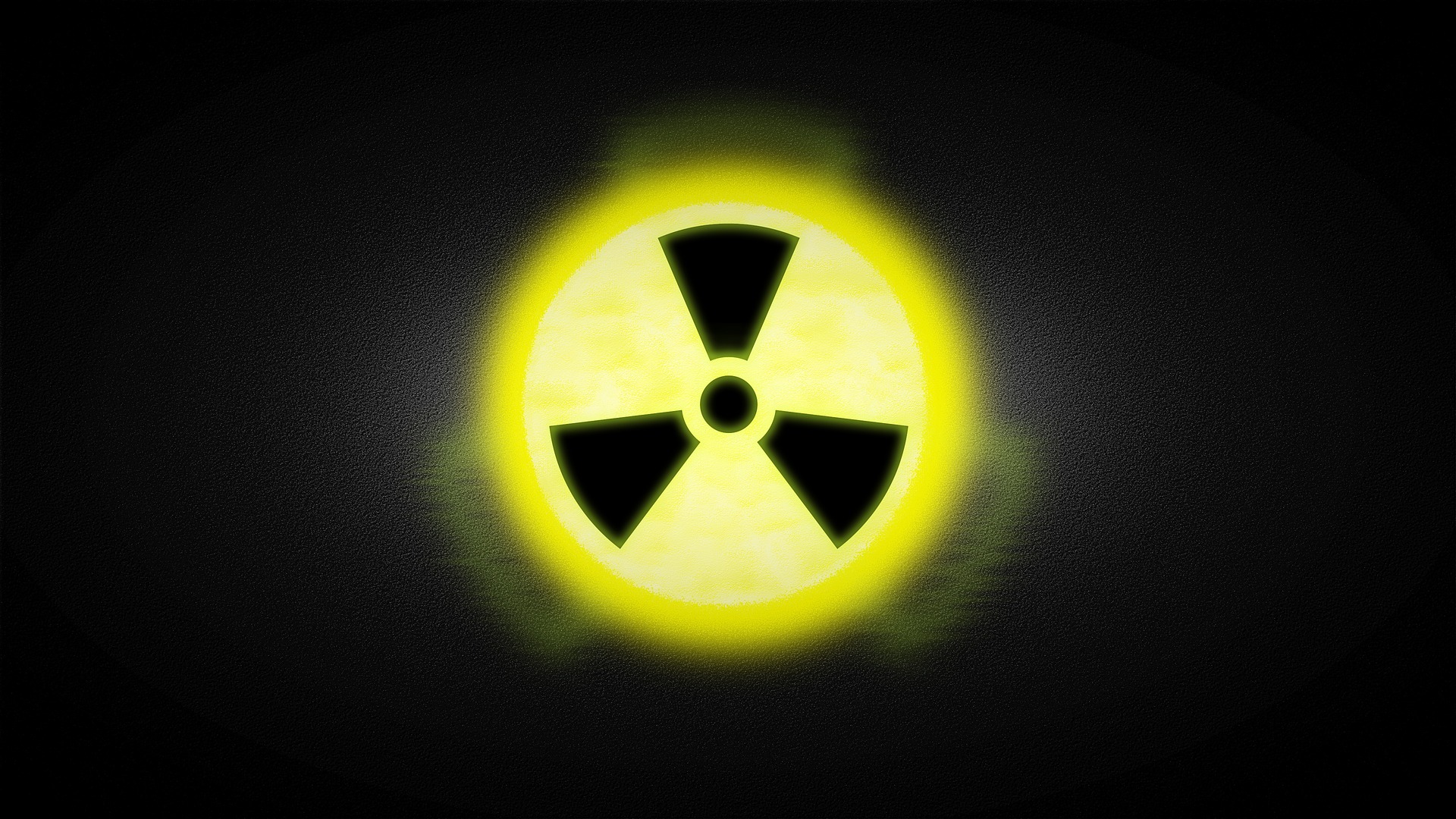
That is why it is important to know what you want to achieve with your choice of colors and which target group you want to address. Depending on the objective, you can make use of both the positive and negative associations of a color.
Structuring and Guiding
Colors can help guide users and emphasize the structure of a website. For example, parts of the navigation can be visually separated from the rest of the content through the use of color.
Another important aspect is the targeted use of specific colors for certain messages. For user interfaces, specific colors have become established for displaying website-related messages:
Blue or Gray:
- Help functions or additional information
- e.g. messages about system status or explanations of certain functions
Green:
- Success messages after completing an action
- e.g. successfully sending an email or completing a download
Yellow or Orange:
- Warning messages that are not system-critical
- e.g. when an action cannot be performed due to insufficient information
Red:
- Critical errors and aborted actions
- e.g. a failed download or content that could not be loaded
Attracting Attention and Highlighting Elements
Buttons and other interactive elements such as links are often highlighted using color to attract attention and make it clear that the element is not simply text, but that an interaction is possible.
In general, the targeted use of colors in a website layout can also direct the user's attention to specific content. Since users perceive the overall structure of a website before examining its individual components in greater detail, elements placed on a colored background can be brought into focus.
You now have a brief insight into the effects and functions of colors. You can learn more about the meaning of colors on the web in our upcoming blog article “What Should You Consider When Choosing Colors for a Website?”.
If you would like to learn more about UX design, feel free to take a look at the other blog articles from our Web Design Agency: "What Is UX Design?", "What Makes Good Design?" and "How Does a UX Designer Work?"
For more information on design, visit our Design Page, take a look at our Agency Presentation, or contact us directly.


